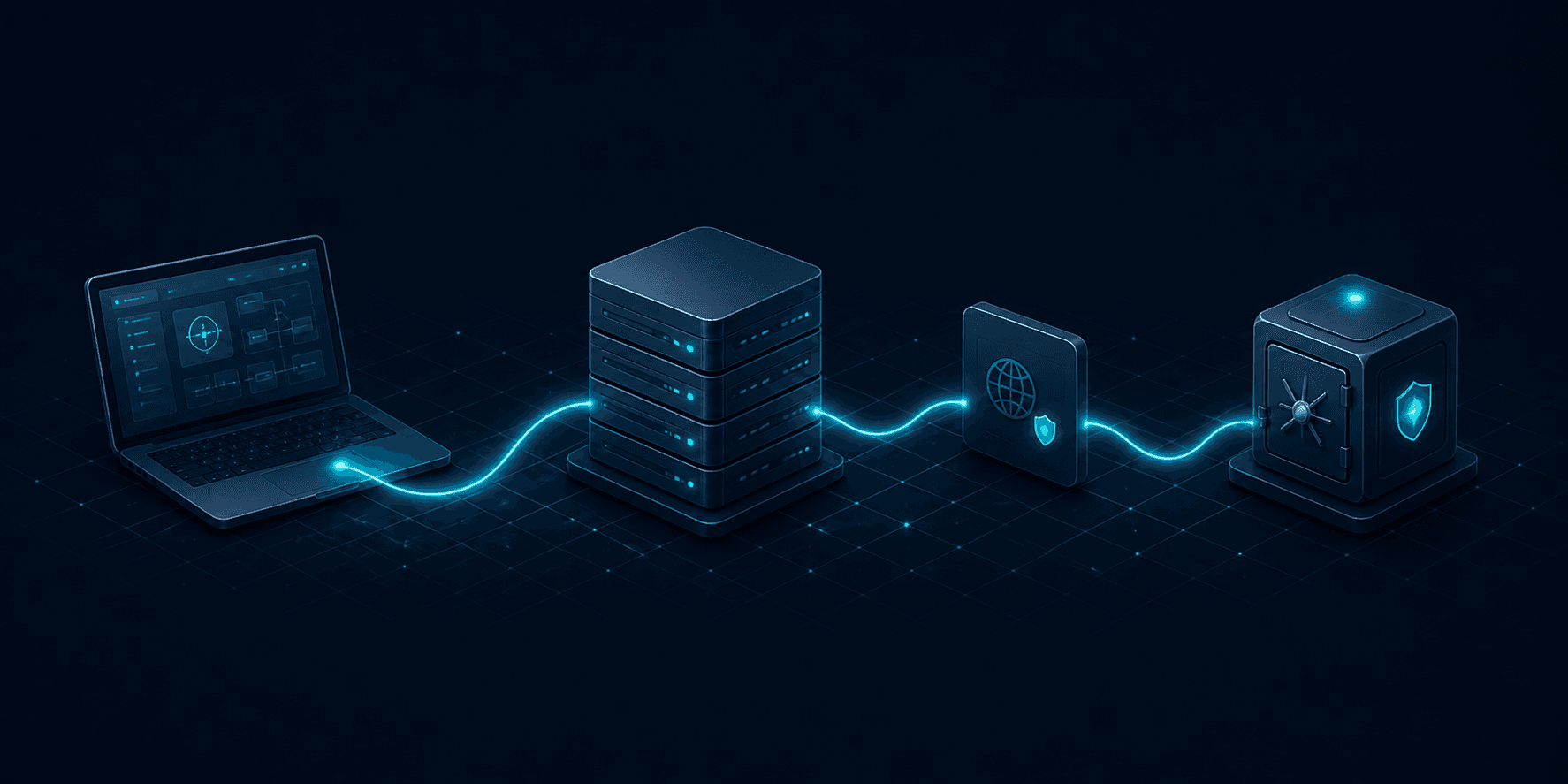
Credential storage
Passwords and keys stay in the operating system's secure storage.
The ? icon opens an article related to the current step.
 OwnomateAutomation you own.
Manage your entire automation infrastructure without the terminal.Ownomate updates and monitors n8n and its optional components, manages backups, and restores your service after a failure.Work from Windows or Linux.
Choose your server, domain, and capabilities. Ownomate checks readiness before making the first change.
You controlVPS, domain, components, and backup storage
ResultA working service on your VPS
Select an installation to access everyday operations without manually administering Linux.
You controlStarting operations and confirming changes
ResultSee the status and available actions at a glance
Ownomate checks the target server and backup first, then guides restoration through to a working HTTPS endpoint.
You controlTarget VPS, backup, and starting the restore
ResultYour service is running again on the selected server
Your VPS, domain, workflows, credentials, and backup storage stay under your control.
Ownomate does not host your n8n, store your workflows or credentials, or replace the familiar n8n editor.
Your server and domain stay under your control. Ownomate connects to the VPS only for the operations you choose.
Workflows and credentials stay inside your n8n instance. Ownomate does not store them or replace the editor.
Backups go to the external storage you choose. Ownomate does not host your data in its own cloud.
Ownomate explains each step and creates backups without stopping n8n. Manage instances from Windows or Linux. Your automations stay on your server.
Built-in articles match your app version. Contextual help opens the relevant topic directly from your current step.
Passwords and keys stay in the operating system's secure storage.
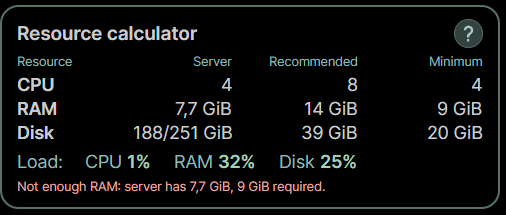
The calculator compares CPU, memory, and disk with the minimum and recommended requirements for your selected components.
Ownomate is available for Windows and Linux. The main screens and workflow are the same on both platforms.
Supported builds are listed for each release.
Backups are created without stopping n8n: active workflows keep running while data is saved.
No need to stop the service
Download
Install the app on your computer and manage n8n on your own server.
Desktop: Windows 10/11 x64 or Linux x86_64. Target server: clean Ubuntu 24.04 LTS amd64, at least 2 GiB RAM and 10 GiB of free disk space.
The public beta is intended for test installations. A clean VPS running Ubuntu 24.04 LTS amd64 is supported; ARM and installation over an existing stack are not yet supported.
Need Linux? Select Linux x86_64 above.
Need Windows? Select Windows x64 above.